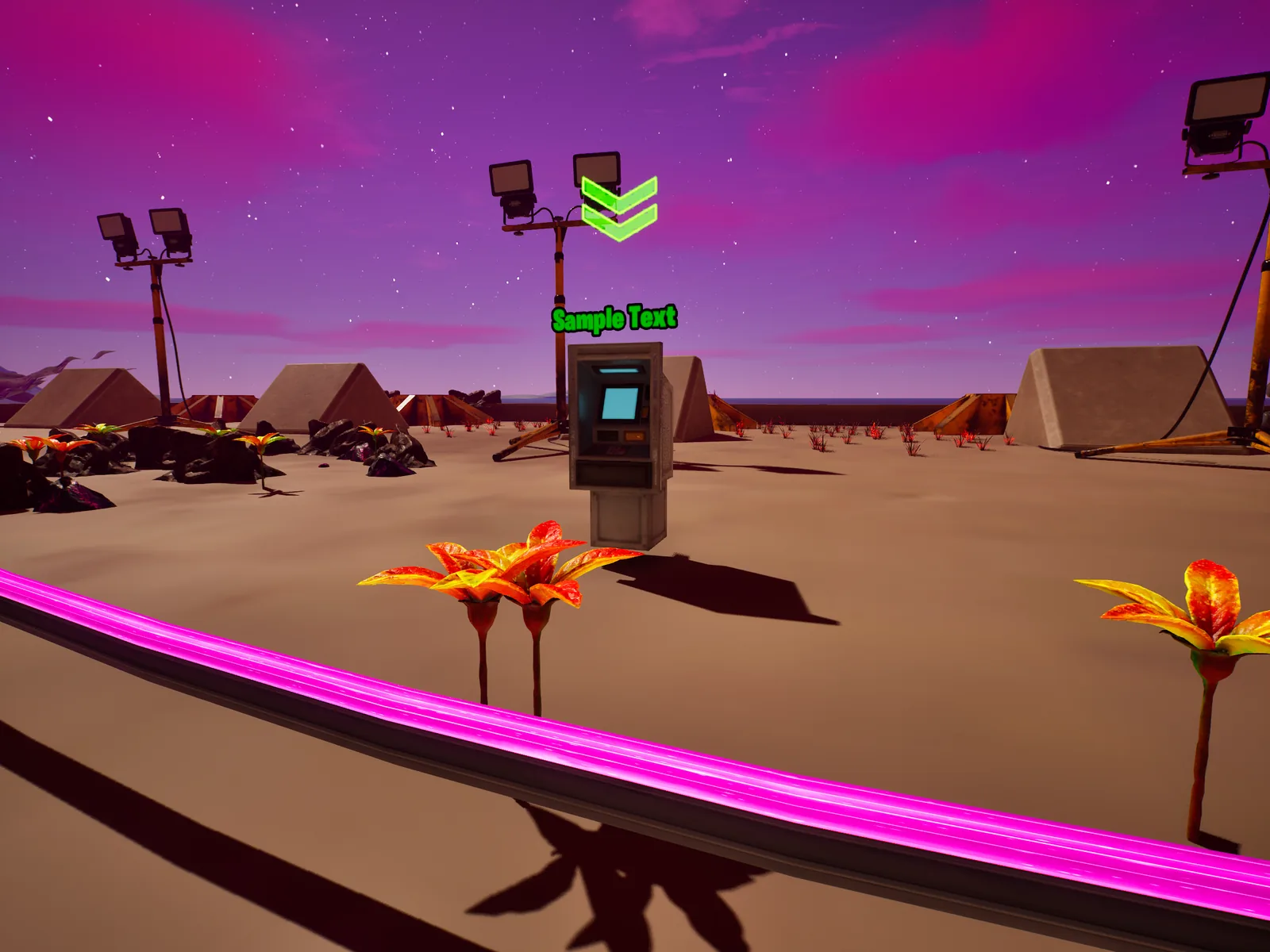
Before step one
- New to UEFN? Do tutorial 00: setup first. It covers the software, your Epic developer account and how to add a Verse file.
- A world big enough that walking between points takes a while.
- A Score Manager device: the download awards collected amounts as score. Want saved currency instead? Call
GiveCurrencyfrom tutorial 02's device. - A rough number: how many nodes in total, and how many awake at once.
Download the Verse files
Complete files used in this tutorial; each works on its own. How to add one: setup step 7. Build-check in UEFN pending.
- .vdropper_manager.verseRotating resource nodes: N of M awake, timer-or-collect rotation, beacon syncDownload
Place the nodes around the map
A node is a place players go to collect. Each one needs a trigger players can activate and something visible. Spread them so that no two awake nodes are ever next to each other.
What to place
- A Trigger at each node location (players collect by activating it).
- A Billboard showing the amount waiting, plus an Audio Player and VFX Spawner for feedback.
- Names like
resource_node_north_01, so they read well in arrays later.
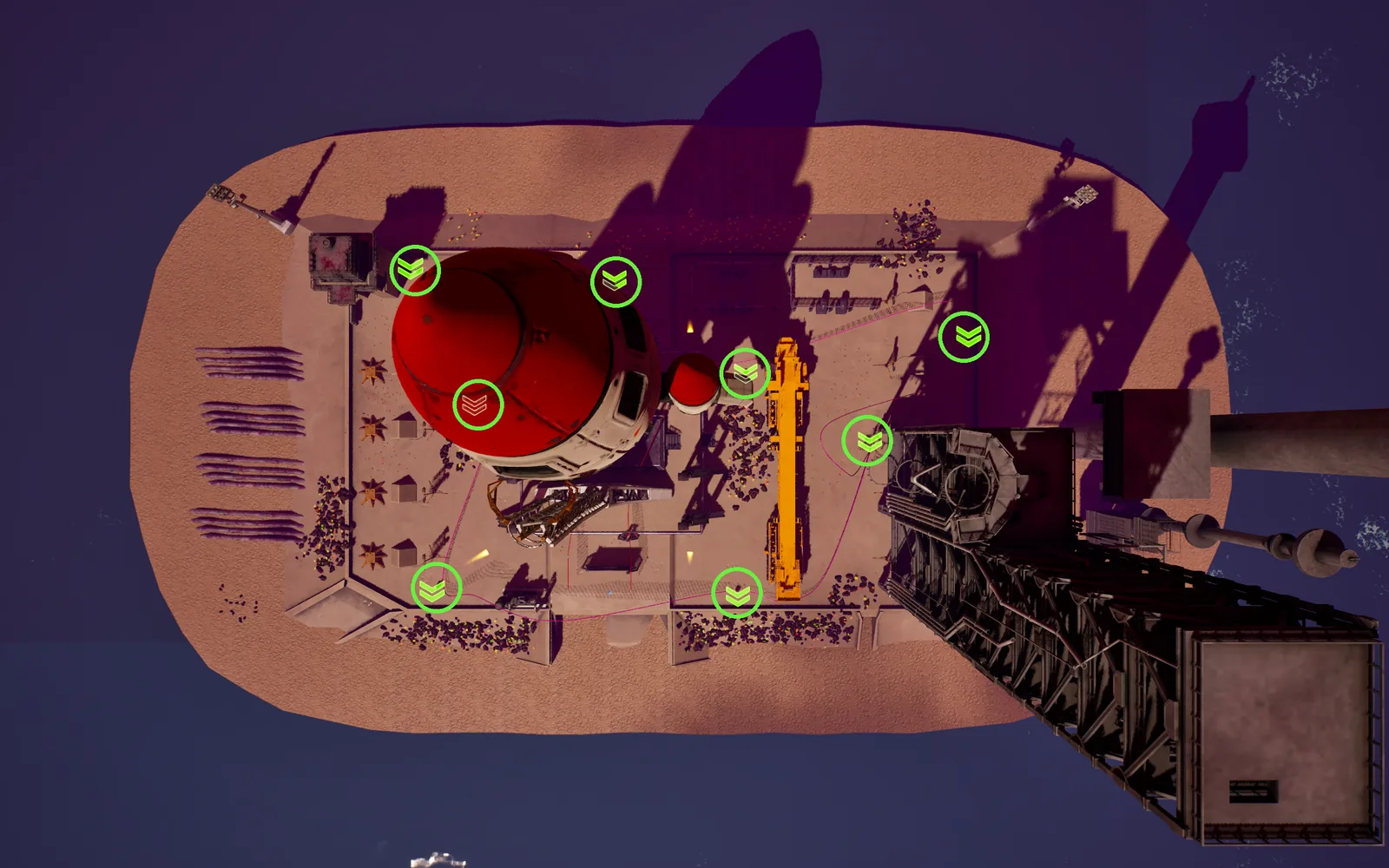
You can fly around the map in the editor and find every node by its name in the Outliner.
Give every node a Beacon
Use the native Beacon device, not a hand-built landmark. An earlier version of this project used a glowing static mesh on a pole: more work, looked worse, and it was hit by a bug where prop meshes silently disappear. The Beacon gives you a HUD icon, an off-screen arrow and a distance label for free.
| Property | Set to |
|---|---|
friendly Icon Text | Short label, e.g. "Resource" |
showOffscreenArrow | On |
displayDistanceText | On |
beacon Color | One colour for all nodes |
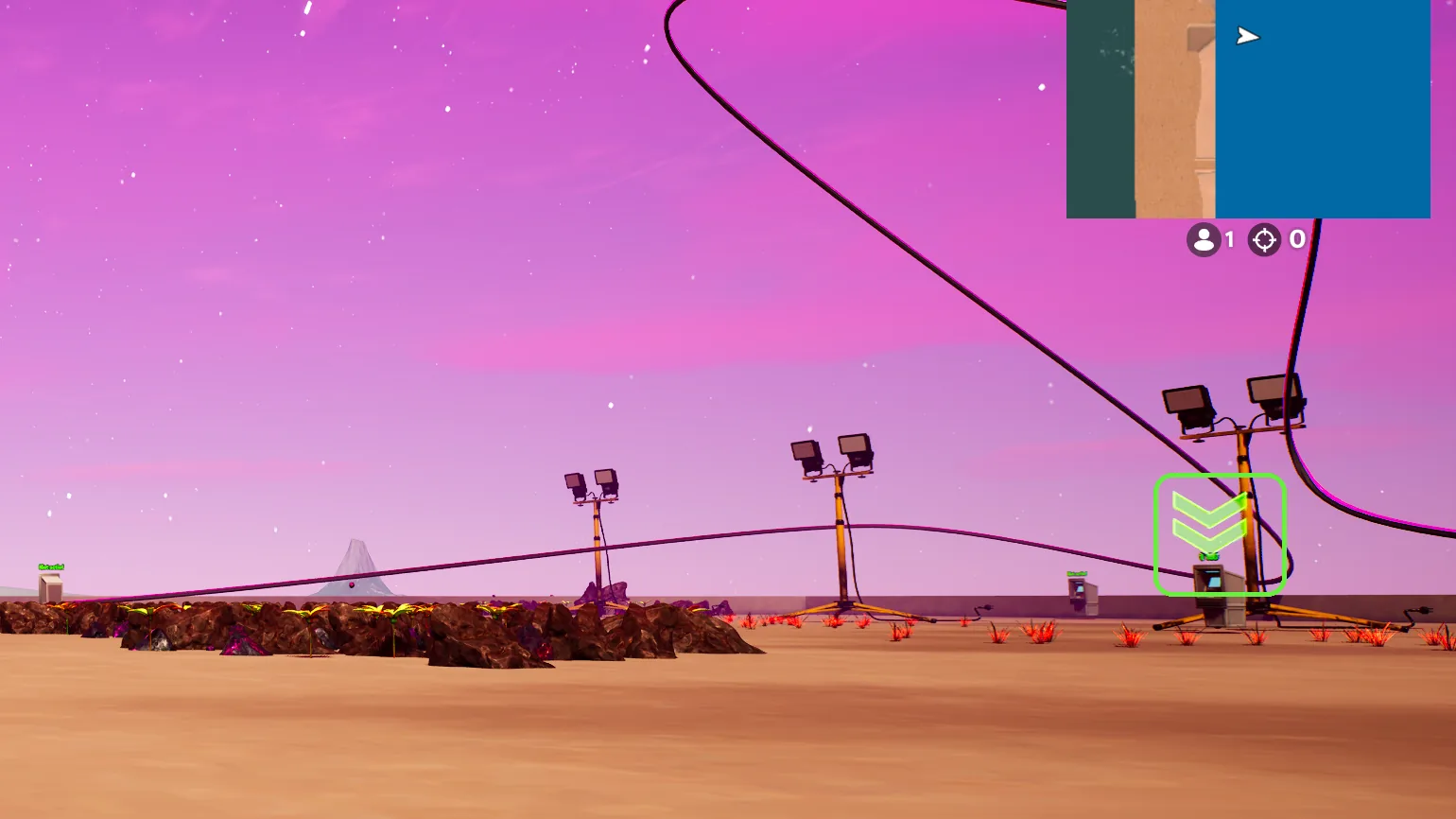
In a playtest with a beacon enabled, you can turn away from it and an arrow points you back.
Wire the nodes into the Verse device
The manager holds an @editable array Nodes; each entry pairs a node's trigger, billboard, sound, VFX and beacon. These are struct arrays, and they can only be filled by hand in the Details panel. Collecting awards the waiting amount as score through a Score Manager device, wired to ScoreManager.
Every field in the node struct is one manual drag, times every node. Keep the struct small: trigger, beacon, and only what you really need.
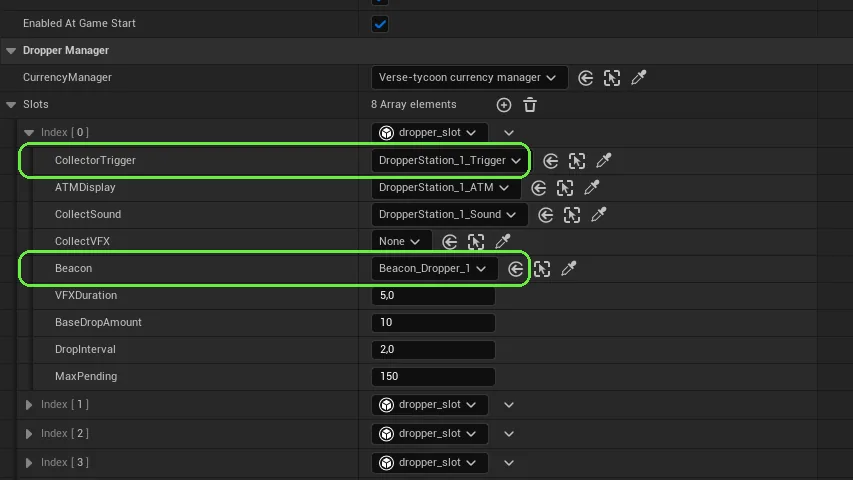
An empty field in an entry doesn't error. That node simply never wakes up, or its beacon never shows.
Every array entry has both fields filled, and the count matches the nodes you placed in step 1.
Write the rotation loop
For each awake slot, a loop picks a sleeping node, enables it, and then waits for whichever comes first: the timer runs out or someone collects. race is the cleanest way to say that in Verse: the first branch to finish wins, the other is cancelled.
loop:
    if (Idx := PickRandomInactiveNode()?):
        if (Node := Nodes[Idx]):
            # ... enable trigger, billboard, beacon, start the fill loop ...
            race:
                Sleep(RotateSeconds)       # timer ran out
                WaitForCollect(Idx, Node)  # or someone collected first
            # ... disable, put the node back to sleep ...
    else:
Sleep(1.0) # nothing free right now, try againIn a playtest, you stand still and watch awake nodes switch to other locations after RotateSeconds.
Keep markers honest
Enable the beacon in the same place you enable the node, and disable it in the same place you put it to sleep. A marker over a station that isn't active is worse than no marker at all: players run there for nothing and stop trusting the HUD.
You follow five beacons in a row during a playtest and every one leads to a node you can collect from.
Make the markers pausable from outside
If you ever need to hide the markers temporarily, don't try to stop the loop. Set a flag and check it inside the loop, right where it enables beacons.
var SuppressMarkers : logic = false

SetMarkersHidden(Hidden : logic) : void =
    set SuppressMarkers = Hidden
    if (Hidden = true):
        for (Node : Nodes):
            Node.Beacon.Disable()
    else:
        for (Idx -> Node : Nodes):
            if (IsActive(Idx) = true):
                Node.Beacon.Enable()

# ...and inside the rotation loop:
if (SuppressMarkers = false):
    Node.Beacon.Enable()
In the download you don't call this yourself: wire HideMarkersTrigger and ShowMarkersTrigger to any trigger (for example the concert's start and end triggers).
Without the check inside the loop, the loop re-enables beacons a few seconds after you hid them, and the bug looks random.
You fire HideMarkersTrigger, wait longer than RotateSeconds, and no beacon has come back.
Playtest the rotation with people
Run a session with a few testers and just watch. You're checking two things: nodes rotate on collection, not only on the timer, and nobody ends up standing in one spot.
A tester collects from a node and, within a second, that node sleeps and another one wakes somewhere else.