Before step one
- New to UEFN? Do tutorial 00: setup first. It covers the software, your Epic developer account and how to add a Verse file.
- An island with at least one thing worth saving (currency, a level, an unlock).
- Comfort pasting a Verse file into your project and building it.
- A second account or tester, so you can test leaving and rejoining while the session keeps running.
- Know whether your island has been published before. From that moment, the save format is permanent.
Download the Verse files
Complete files used in this tutorial; each works on its own. How to add one: setup step 7. Build-check in UEFN pending.
- .vtycoon_currency_manager.versePersistent save class, currency, passive income, autosave with connection guardDownload
Decide what to save, permanently
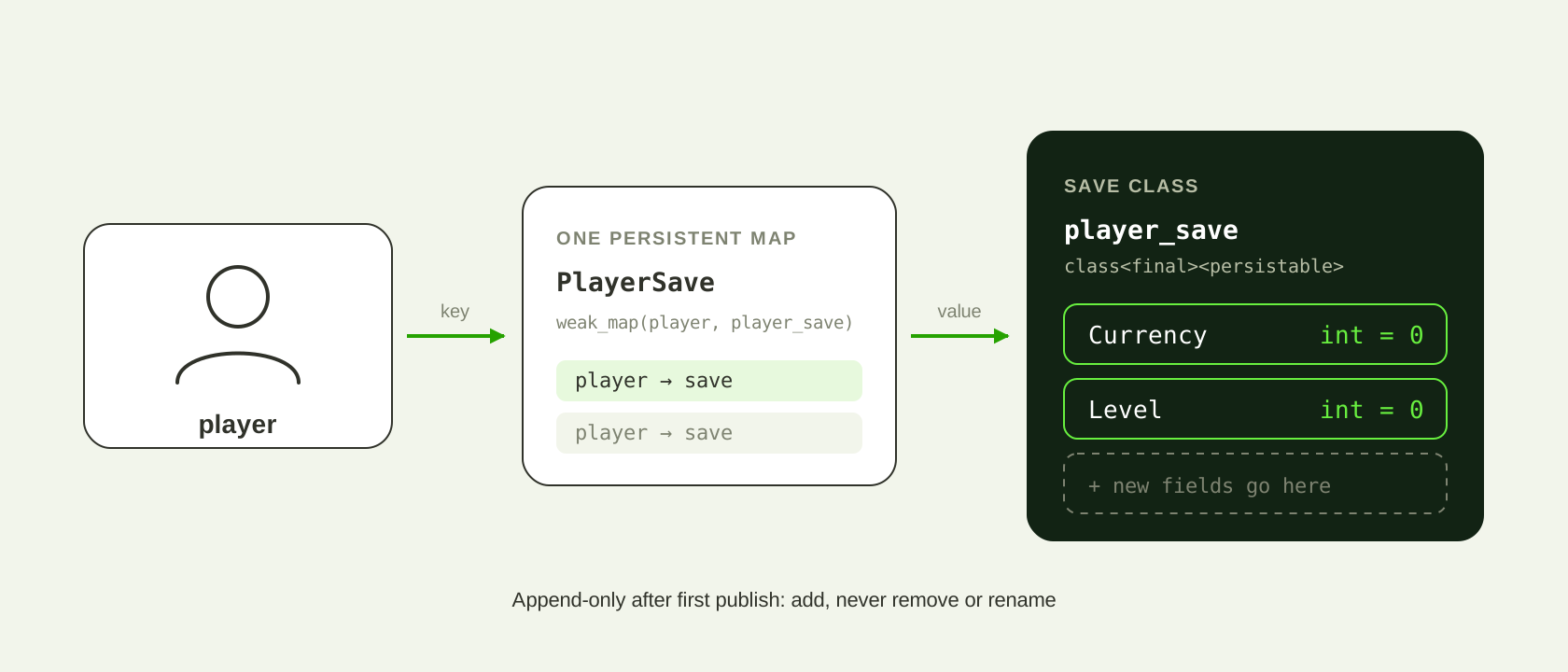
A <persistable> class is append-only from the moment the island is first published. Adding a field later is safe. Removing or renaming one fails publish validation, because live save data still references it.
So treat every persisted field as permanent on the day you add it. Write the list down before you write code. Keep it short; you can always add.
"I'll clean up the names later" isn't an option. A field called XP that you stop using stays in the file forever.
You have a written list of field names and types, and you'd be fine seeing every one of them in the file a year from now.
Write the save class
The class needs <final><persistable>. Give every field a default, so a brand-new player gets a sensible starting state.
# Append-only after first publish: never remove or rename a field.
player_save := class<final><persistable>:
    Currency : int = 0
Level : int = 0A Verse build of the project finishes with no diagnostics.
Spend exactly one weak_map on it
Verse allows only a small number of persistent weak_map variables per island (four, in the project this was learned in). Spend them deliberately. One map holding one save class is usually enough, and it leaves room for later.
# Verse allows only a small number of weak_map variables per island
# (4 in the project this was learned in). Spend them deliberately --
# one map holding one save class is usually enough.
var PlayerSave : weak_map(player, player_save) = map{}The exact limit is unconfirmed beyond the project it was seen in. Check current Epic documentation before you plan around a number.
Your project has one persistent weak_map for player saves, not one per stat.
Restore progress when a player joins
When a player joins, look them up in PlayerSave. If there's an entry, load it into the runtime maps your game uses. If there isn't, they're new and get the defaults.
InitPlayer(Player : player) : void =
    if (Saved := PlayerSave[Player]):
        # Returning player: load what they had.
        if (set PlayerCurrency[Player] = Saved.Currency) {}
        if (set PlayerLevel[Player] = Saved.Level) {}
    else:
        # New player: defaults.
        if (set PlayerCurrency[Player] = StartingCurrency) {}
        if (set PlayerLevel[Player] = 0) {}
The download calls this for everyone already in the session and for every player who joins later (PlayerAddedEvent).
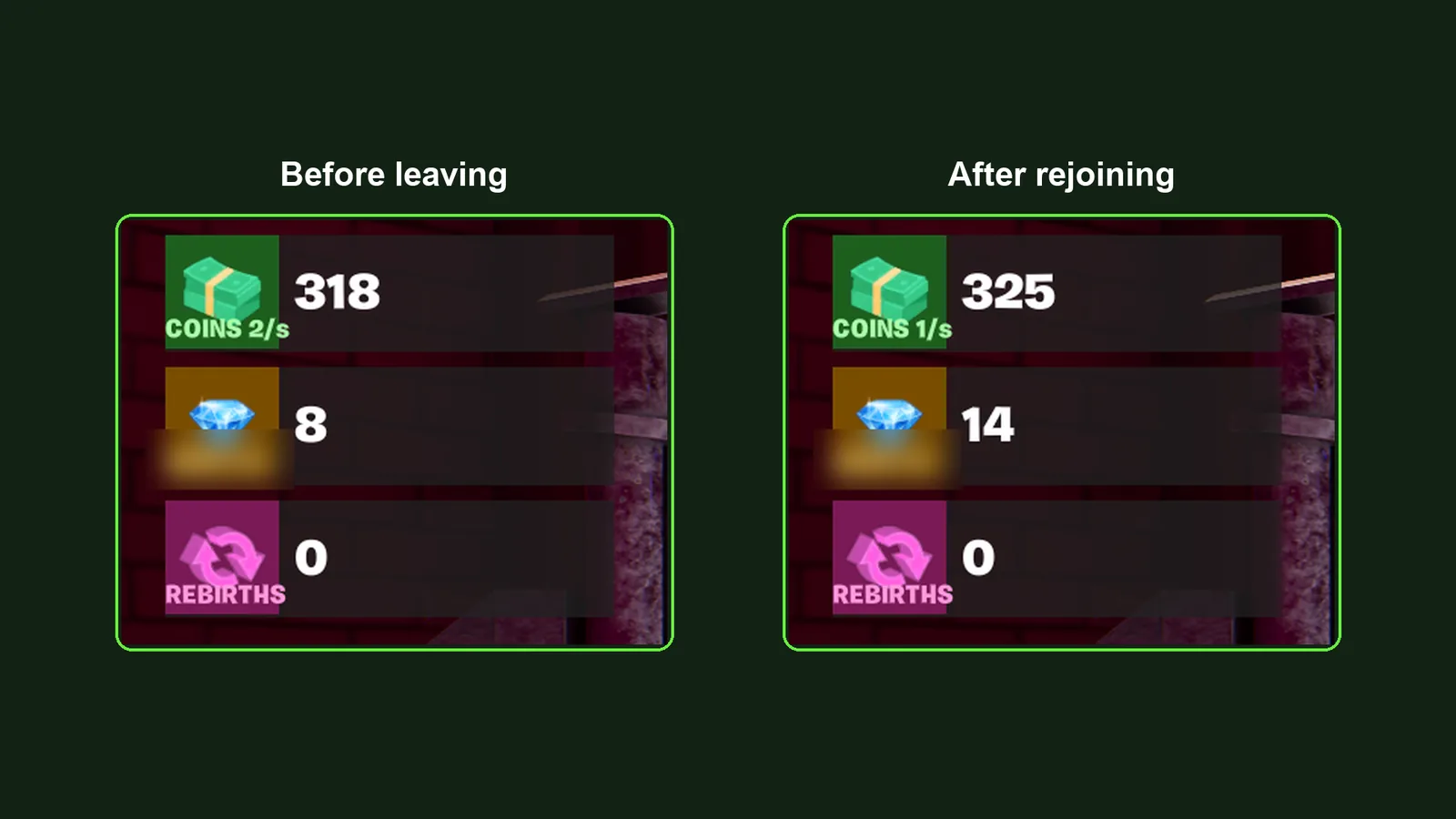
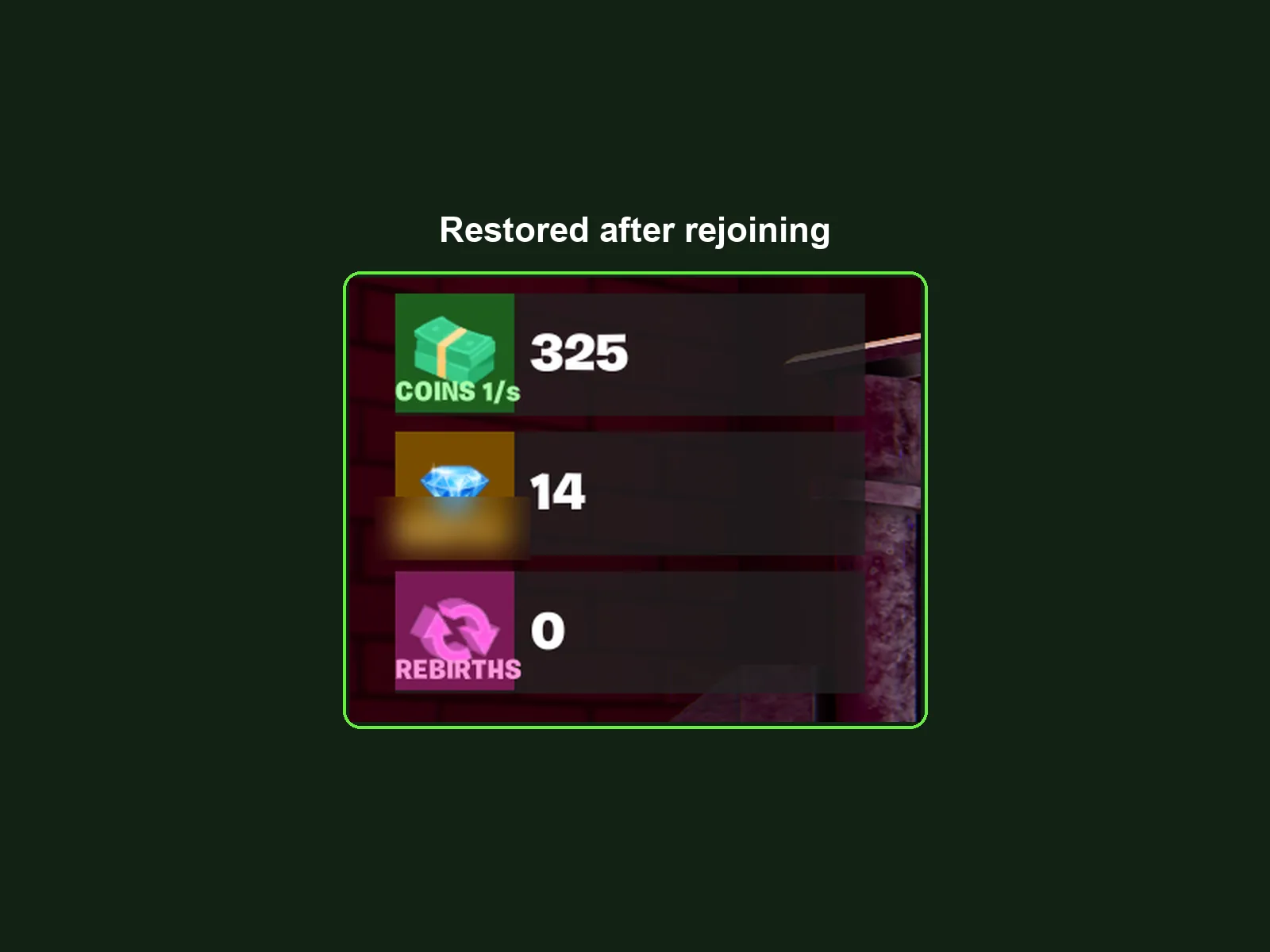
You earn some currency, leave the island, rejoin, and the HUD shows the same amount.
Write changes with the set idiom
Assigning into a map can fail, so it has to sit inside an if. The empty block isn't a mistake: it's how Verse says "I don't care about the failure case".
# Map writes can fail, so they live inside an if. Empty block on purpose.
if (set Balance[Player] = 100) {}A bare logic isn't a condition. if (Hidden): fails with "Expected an expression that can fail in the 'if' condition clause". Compare explicitly: if (Hidden = true):.
Earning currency updates the HUD, and the value survives the leave-and-rejoin test from step 4.
Autosave, with a connection guard
This is the bug everybody writes. An autosave loop spawned per player does not stop when that player leaves. It keeps ticking against a now-invalid key and throws a runtime error. Guard every iteration.
SaveLoop(Player : player)<suspends> : void =
    loop:
        Sleep(SaveIntervalSeconds)
        # Without this check the loop outlives the player and throws.
        if (IsPlayerConnected(Player) = false):
            break
        SavePlayer(Player)

IsPlayerConnected(Player : player)<transacts> : logic =
    for (P : GetPlayspace().GetPlayers()):
        if (P = Player):
            return true
return falseErrRuntime_WeakMapInvalidKey: Invalid key used to access persistent
`var` `weak_map`.A tester leaves mid-session and, over several save intervals, the log shows no ErrRuntime_WeakMapInvalidKey.
Survive a republish
After first publish, add fields freely. Never remove or rename one. If you already did, the publish fails with an error naming the missing field:
Missing definition in source package that corresponds to published
definition (/…/player_progress:)XP
verse_validate_publish_error
The fix is to put the field back, even unused, with a comment saying it can never leave.
player_save := class<final><persistable>:
    Currency : int = 0
    Level    : int = 0
    # Unused. Live save data still references it -- it can never leave.
XP : int = 0You add a new field, publish an update, and a player who saved before the update rejoins with their old values intact.
Persistence checklist
Every line here is something that really went wrong.