Before step one
- New to UEFN? Do tutorial 00: setup first. It covers the software, your Epic developer account and how to add a Verse file.
- A world players should end up in, with a spot for them to land.
- A clear idea of the three things a new player has to know. If it's more than three, the lobby won't fix that.
- Decide now: should the door stay closed for a player forever, or only for this session? That changes step 5.
Download the Verse files
Complete files used in this tutorial; each works on its own. How to add one: setup step 7. Build-check in UEFN pending.
- .vlobby_manager.verseOne-shot-per-player teleporter from lobby to worldDownload
Build the lobby
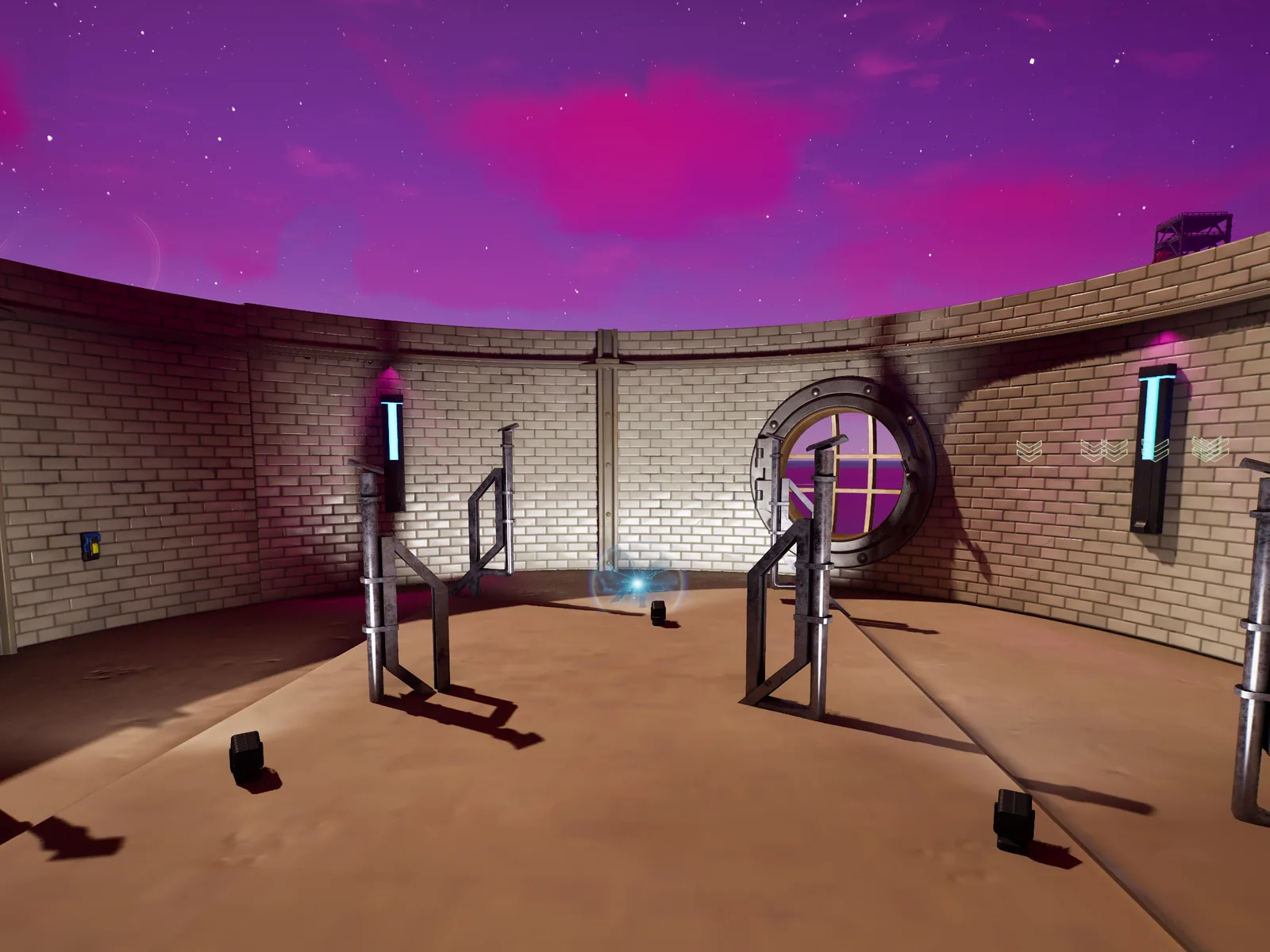
The lobby is where people land before the world. Keep it small and enclosed, so the only way out is the door you'll build in step 4.

In a playtest you try to walk, jump and glide out of the lobby and can't.
Make players spawn in the lobby
Every enabled Player Spawner is a candidate for both initial spawn and respawn, and a newly placed one is enabled by default. Placing a spawner in the lobby changes where everyone can appear, including after they die in the world.
Use priorityGroupSetting (lower is chosen first) to control which spawners win, and check where a death in the world actually puts people back.
What to place
- A Player Spawner inside the lobby.
- Check every other spawner in the level: is it meant to be enabled?
A second spawner placed "just for testing" somewhere else immediately starts catching ordinary spawns.
Five fresh joins in a row all start in the lobby, and you know where a player respawns after dying in the world.
Explain the game without a wall of text
Put the three things a player needs to know on the walls they'll walk past on the way to the exit, one at a time.
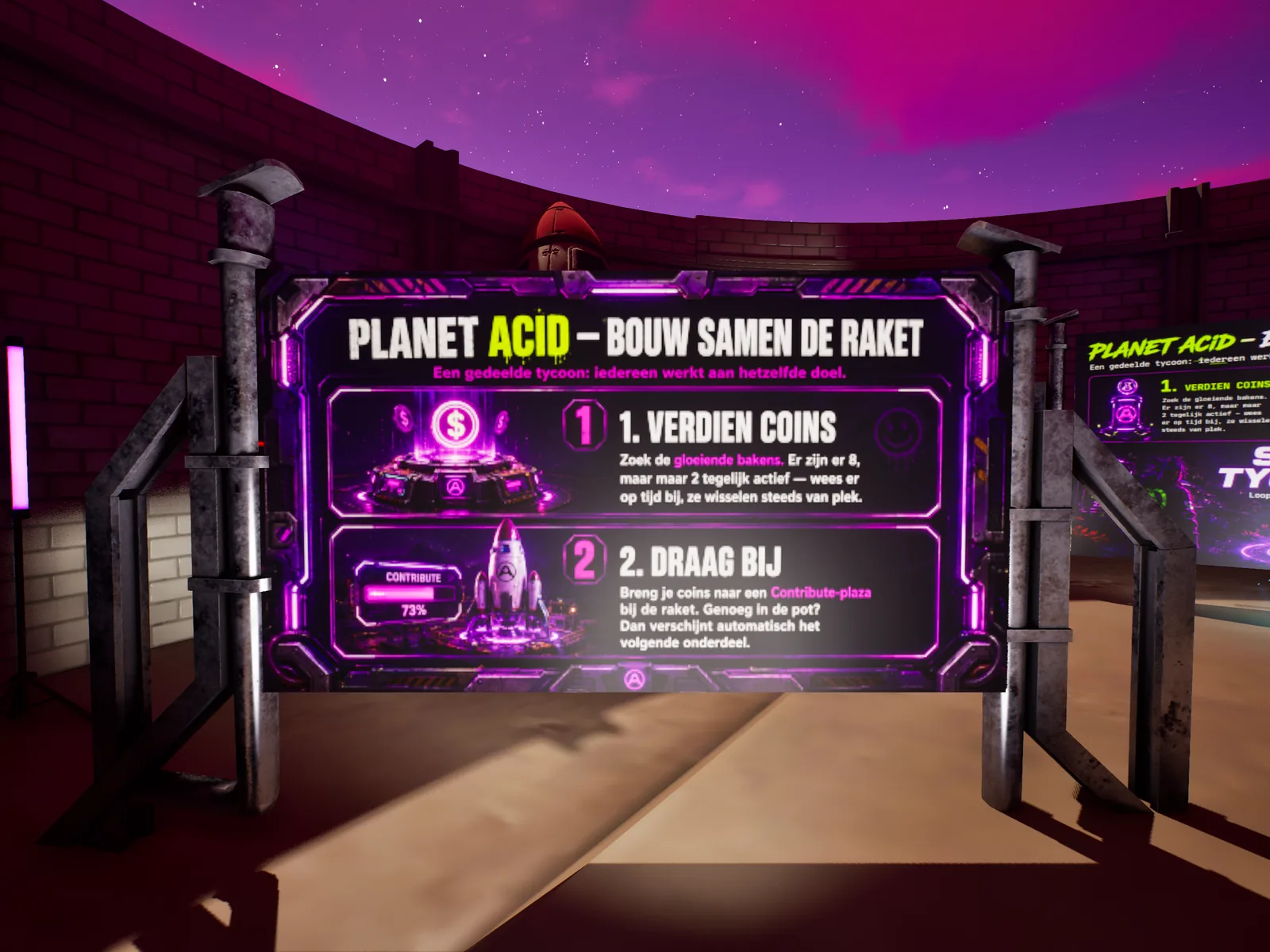
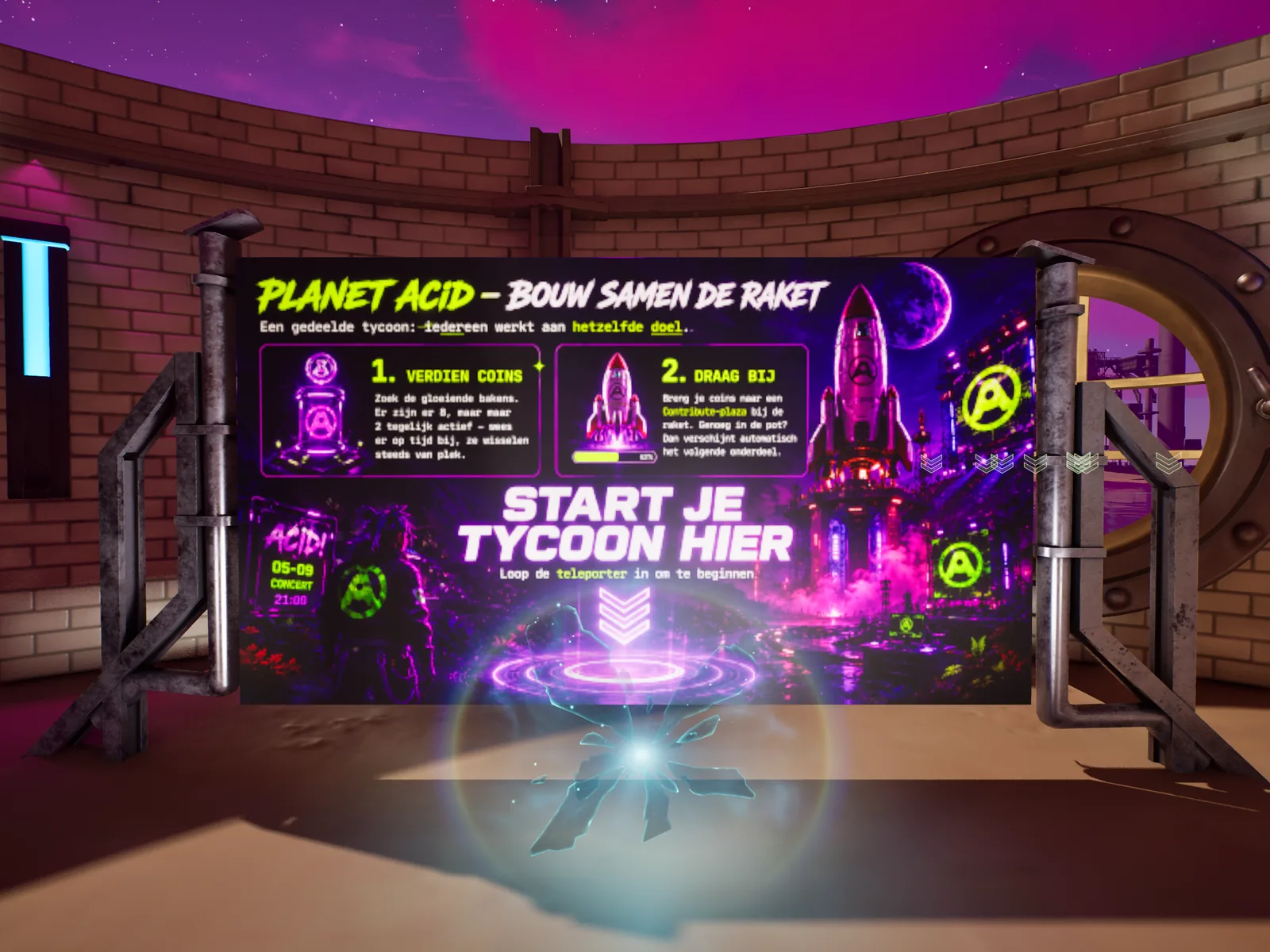
Someone who has never seen your island walks through the lobby and can tell you what the game is about without asking.
Place the teleporter, and unlink it
The Teleporter device has no per-player use limit. If its own destination link is set, it teleports on overlap regardless of what your code wants. So clear the device's destination link and drive Teleport() yourself from Verse.
What to place
- A Teleporter at the lobby exit (the one players walk into).
- A Teleporter in the world as the
ArrivalTeleporter.Teleport(Agent)sends an agent to that device. - Clear the exit teleporter's
destinationTeleporterlink: in the Details panel, leave Link To Target unchecked.
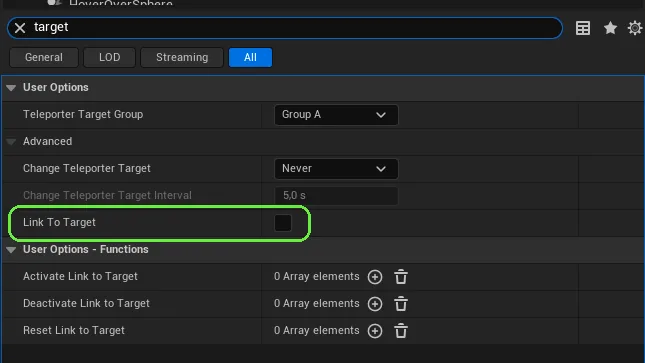
Leave the link in place and the once-per-player code looks broken: players go through every time, because the device does it before your code gets a say.
With no Verse running, walking into the exit teleporter does nothing.
Gate it to once per player
Native devices can't count per player, so keep the memory yourself in a [player]logic map. The download subscribes to the exit teleporter's EnterEvent for you; wire LobbyTeleporter and ArrivalTeleporter in the Details panel.
var PlayersEntered : [player]logic = map{}

OnEnter(Agent : agent) : void =
    if (Player := player[Agent]):
        # Not in the map yet = never used the door.
        AlreadyUsed := if (U := PlayersEntered[Player]) then U else false
        if (AlreadyUsed = false):
            if (set PlayersEntered[Player] = true) {}
ArrivalTeleporter.Teleport(Player)This lives in memory, not save data. A player who leaves and rejoins gets a fresh session and can go through again. If it must be permanent, move the flag into the persistable class from tutorial 02.
You walk into the door and land in the world. You find your way back to the door, walk in again, and nothing happens.
Test with a second player and a rejoin
With two testers: one uses the door, the other should still be able to. Then have the first leave and rejoin, and check that the behaviour matches what you chose in "Before step one".
Two testers each go through once, and a rejoining tester either can (in-memory flag) or can't (persisted flag), whichever you designed for.